tool
Dragonframe's latest dev builds shoot a test of every exposure at once and add an onion-skin toggle hotkey
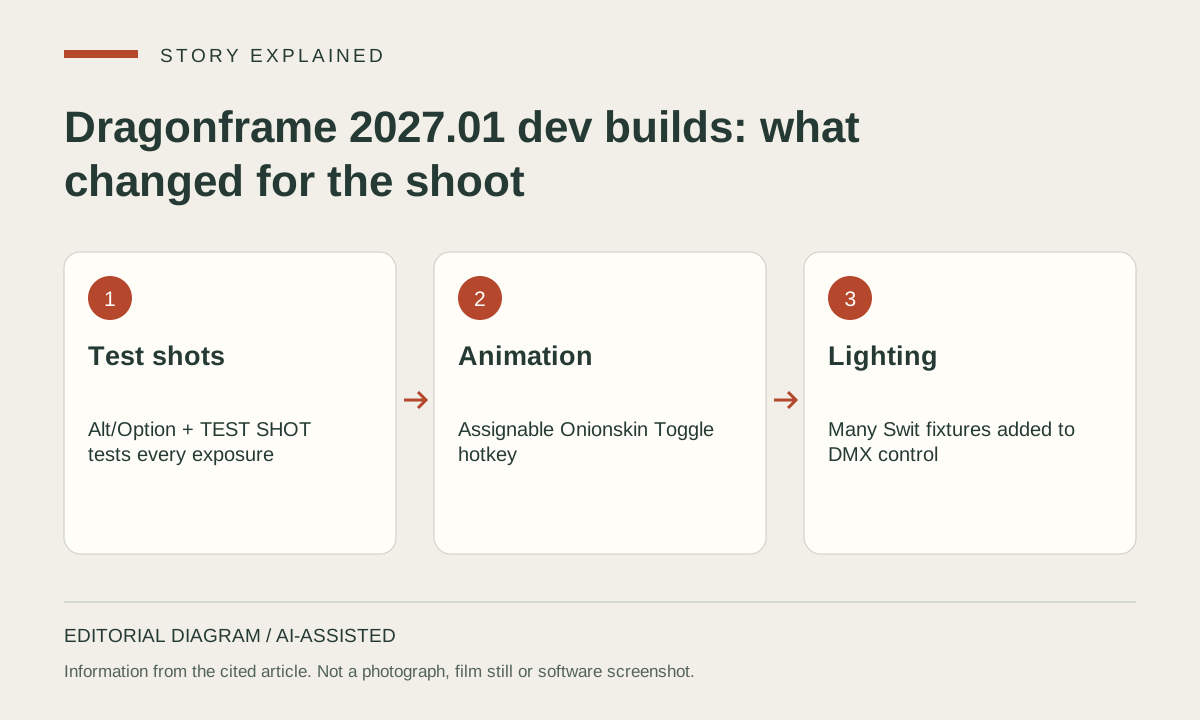
Dragonframe's public development-branch changelog, checked on 2026-09-29 at build 2027.01.19010, adds several changes for the people who light and shoot a scene rather than script it. The most useful for cinematographers is in build 2027.01.18684: "Press alt/option when clicking TEST SHOT button to shoot a set of tests of all exposures." A scene that uses multiple exposures, such as a beauty pass plus separate lighting or matte passes, can now be proofed as a whole group in one action instead of exposure by exposure. Builds 18620 and 18684 also list "Improvements to Cine test shot group functionality".
Animators get an 'Onionskin Toggle' hotkey that can be assigned in Preferences (build 18840). Build 18852 adds "many Swit light fixtures" to Dragonframe's DMX lighting control. Build 18728 lets the fit-to-width/height controls use alternative composition guides. Build 18684 introduces a new flat style for dialog boxes. The floating tool palette went back to being an embedded widget in build 18800, because running it as a separate window "caused an assortment of issues".
All of this is development-branch software, not a numbered stable release. The same builds also tune Arc's robotic-arm support and the Python API. Those changes are covered as updates to our existing cobot and Python-scripting stories rather than repeated here. The durable facts are folded into the Wiki's new page on test shots in Dragonframe.
Update, checked 2026-10-07 at build 2027.01.19055: four later builds continue the same branch. Build 19050 improves the load time of reference videos and, on macOS, adds "hardware-accelerated ProRes decoding of reference layers on machines that support it (all Apple M processors after M1)". That matters to anyone matching animation against live-action plates or animatics, which are often delivered as ProRes. The same build fixes a possible macOS memory leak when video assist or live view changes resolution, and restores the audio overlay in the animation workspace under the new Metal/D3D11/Vulkan renderer. Build 19055 makes Arc move browsing and move tests run at variable speed through the move instead of at the minimum speed throughout. The new reference-layer detail is folded into the Wiki page on Dragonframe guide layers.
Sources
Listed so you can verify every claim. Dragonframe
Suggest an edit
See something wrong or missing in this story? Edit the fields below or describe the correction in your own words. Everything is optional, and every change is reviewed against a source before publishing.